One workspace for exploratory testing.
Holstr brings enterprise testing tools to independent and crowd testers. Capture evidence as you test, plan sessions with charters, scan for accessibility gaps and test APIs, then export a report your team can act on.
Desktop app for Windows. Or book a demo.
- High Cybr : Link missing accessible name WCAG 2.4.4. Add visible text or an aria-label.
- Medium Cybr : Hero image is 1.4 MB Convert to WebP and keep it under 300 KB.
- Note Captr : Button text is hard to read on the grey background Screenshot 3, after Left Click on “Shop now”.
- High Cybr : Image missing alt text WCAG 1.1.1. Screen readers rely on alt text.
- Medium Cybr : Form control missing label WCAG 4.1.2. Label the email field.
Session saved. 5 findings with evidence, ready to export as PDF.
A bug report is only as good as the evidence behind it.
The evidence ends up everywhere
Screenshots in one folder, notes in another app, steps to reproduce pieced together from memory after the session.
Sessions drift without a mission
Exploratory testing finds the bugs scripts miss, but only when each session has a clear focus and leaves a record.
Testing suites are built for big QA departments
Independent and crowd testers end up stitching together tools that were never meant to work together.
Eight tools, one workspace
All tools-
Captr
Record screenshots, user events and system context as you test, then mark up the evidence.
-
Chartr
Write focused test charters: mission, scope, focus areas, resources and expected outcome.
-
Cybr
Scan a website for accessibility and web quality gaps, with the WCAG reference and fix for each issue.
-
Traysr
Scan your own machine for AI agents, MCP servers and the risks they bring, and get a trust score.
-
Injectr
Build and send API requests, and keep a suite of REST and SOAP tests alongside your other evidence.
-
Mapr
Map out test targets as a mind map before you start, and print it for the wall.
-
Trackr
Track your test sessions on a To Do, In Progress and Done board, with evidence on each card.
-
Learnr
A built-in knowledge base of testing heuristics, for when you need ideas on what to test.
A session in Holstr
-
Plan
Map out what to test in Mapr, write a charter in Chartr and add the session to your Trackr board.
-
Test and capture
Press record in Captr and explore. Screenshots, clicks and system context are captured as you go.
-
Run the checks a tool can do
Scan for accessibility gaps with Cybr and send API requests from Injectr, without leaving the workspace.
-
Report
Mark up the evidence, move the card to Done and export a PDF your developers can act on.
Everything opens in one window
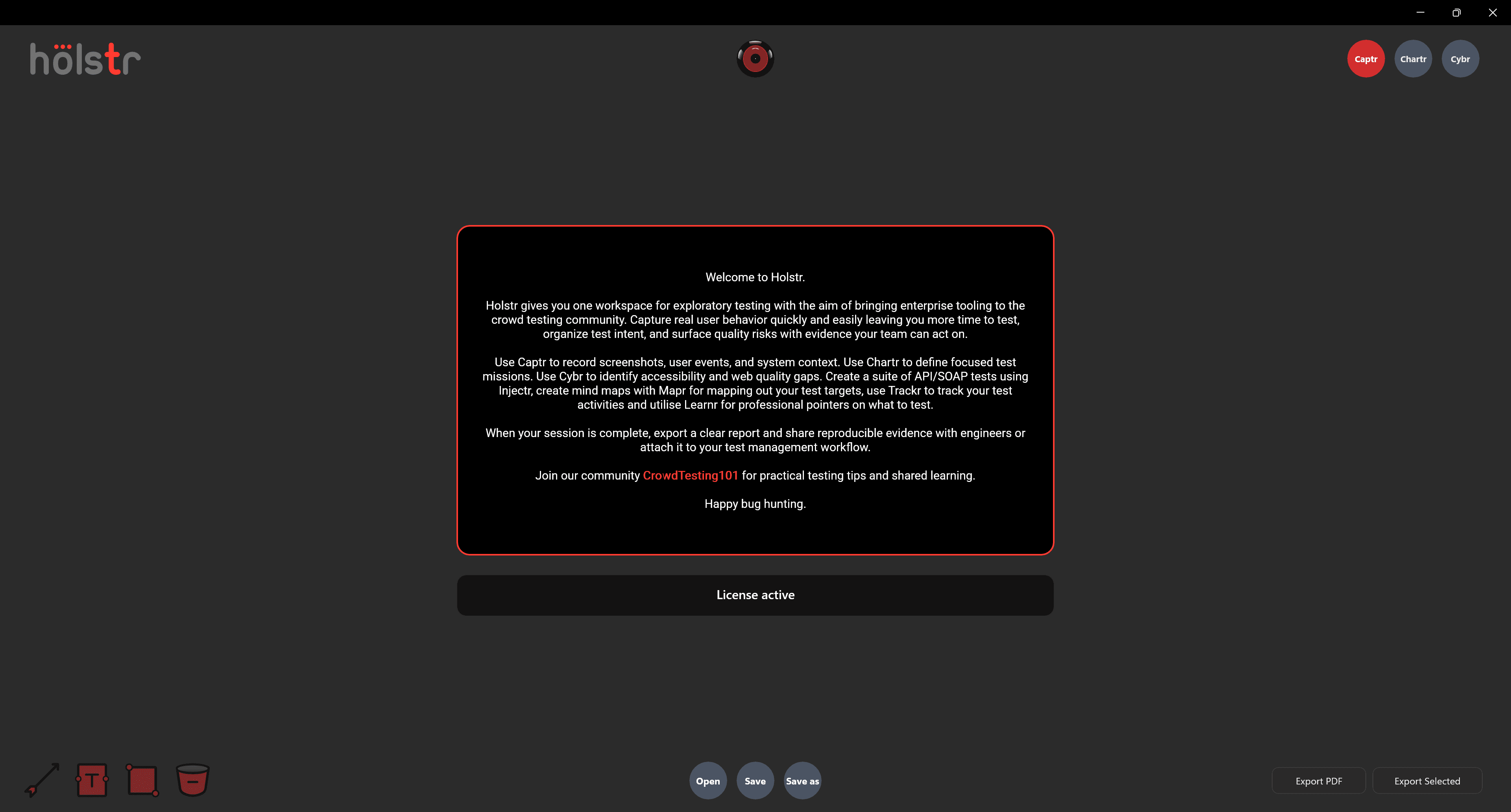
Built by a tester with more than 20 years of finding what others missed
Holstr was built by a QA engineer who has spent two decades testing software, manually and with automation, for organisations of every size.
It puts the tools experience says you actually need in one place, and helps you write each finding the way a good tester writes a bug: specific, reproducible and ready to fix.
Join the CrowdTesting101 community for practical testing tips and shared learning. Holstr is independent and run by RedevIO Ltd in Scotland.
Questions
What is Holstr?
Holstr is a desktop app that brings together the tools an exploratory tester needs: evidence capture, test charters, accessibility scanning, an AI risk assessment of your own machine, API testing, mind maps, a session board and a knowledge base.
Who is Holstr for?
Independent testers, crowd testers and small QA teams who want enterprise-grade tooling without juggling a dozen separate apps.
Does Holstr replace manual testing?
No. It is built for manual, exploratory testing. It captures the evidence and handles the repetitive checks so you can spend your time on the problems that need human judgement.
How do I share results?
Save your work as a session file, or export the whole session, or just the parts you select, as a PDF.
What does Holstr run on?
Holstr is a desktop app for Windows.
Bring your next test session into one place
Get Holstr, or book a demo and see the whole workspace in action.